
Say goodbye to technical hiccups and hello to seamless, wireless presentations that foster productivity and engagement with Barco ClickShare room solutions,
- Both employees and guests have easy and free access to our straightforward and simple solution.
- Admin free installation from the Clickshare App
- Presence detection for easy connection
- No training needed
- Advanced features designed for collaborative environments
- Intuitive user interface
Seamless Integration for Uninterrupted Meetings with Barco Clickshare Room Solutions
Dive into Advance Collaboration with Clickshare
- Pause content on the meeting room screen
- Use window selection to show only the application or document you prefer
- Extended desktop: take notes on your device while sharing content with the second screen (requires installation of the extension pack)
- Moderate: preview, control the documents, you decide what goes on screen
- Ideate with annotation and blackboarding.
ANNOTATION
Available on CX-20, CX-30, and CX-50
You can use the touch screen to write or sketch your ideas on the meeting room touch screen
Save your brainstorming a session with one tap on the screen
Share a copy with all meeting participants connected to the ClickShare via the ClickShare Button or Barco App
BLACKBOARDING
Available on CX-20, CX-30, and CX-50
Meeting participants use the meeting room’s touch screen as a writing board
You can use the touch screen to write or sketch your ideas on the meeting room touch screen
Save your brainstorming session with one tap on the screen
Share a copy with all meeting participants connected to the ClickShare via the Barco ClickShare Button or App
TOUCH BACK SUPPORT
Available on CX-20, CX-30, and CX-50
Presenters control their laptops via the touch screen in the room
As a presenter, you can control any application on your laptop via the touch screen in the meeting room, instead of using your computer mouse.
With this advanced feature, Barco ClickShare adds energy to meetings and leads the way to more innovative ways of collaboration.
Impress, convince, focus!
What's unique about Interactivity Features on Touch-Enabled Displays?
- Easy and fast access to content and applications via the meeting room screen
- Direct interaction between user and content
- Intuitive experience
- Makes multitasking in meetings possible
- Assistive technology
Why use Interactivity Features in your Meetings?
- Present more freely within the meeting space
- Ideate on content real-time
- Collaborate more interactive and creatively
- Get higher engagement from the participants
- Don’t let the technical limitations of the room hinder the meeting flow
- Share notes easier afterwards
- Improve meeting outcomes and increase ROI of meetings
Comparison
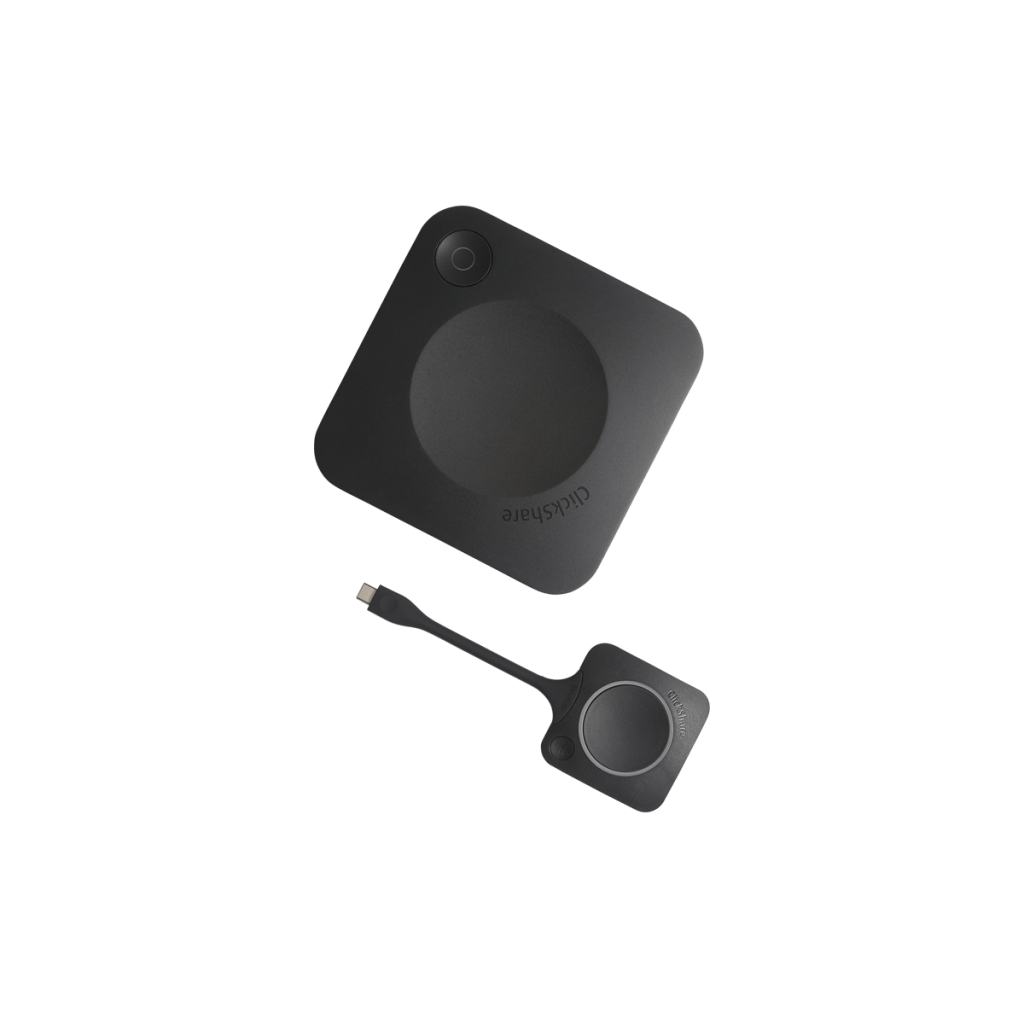
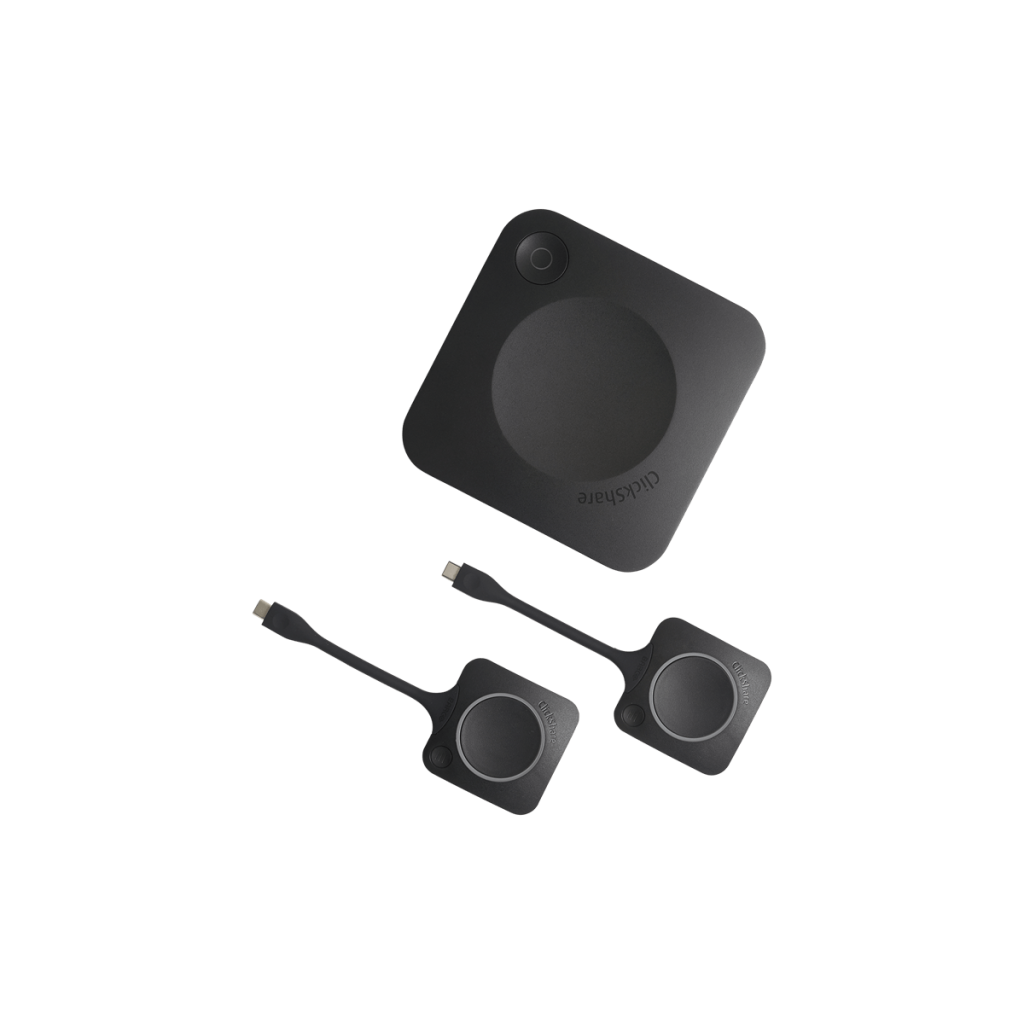
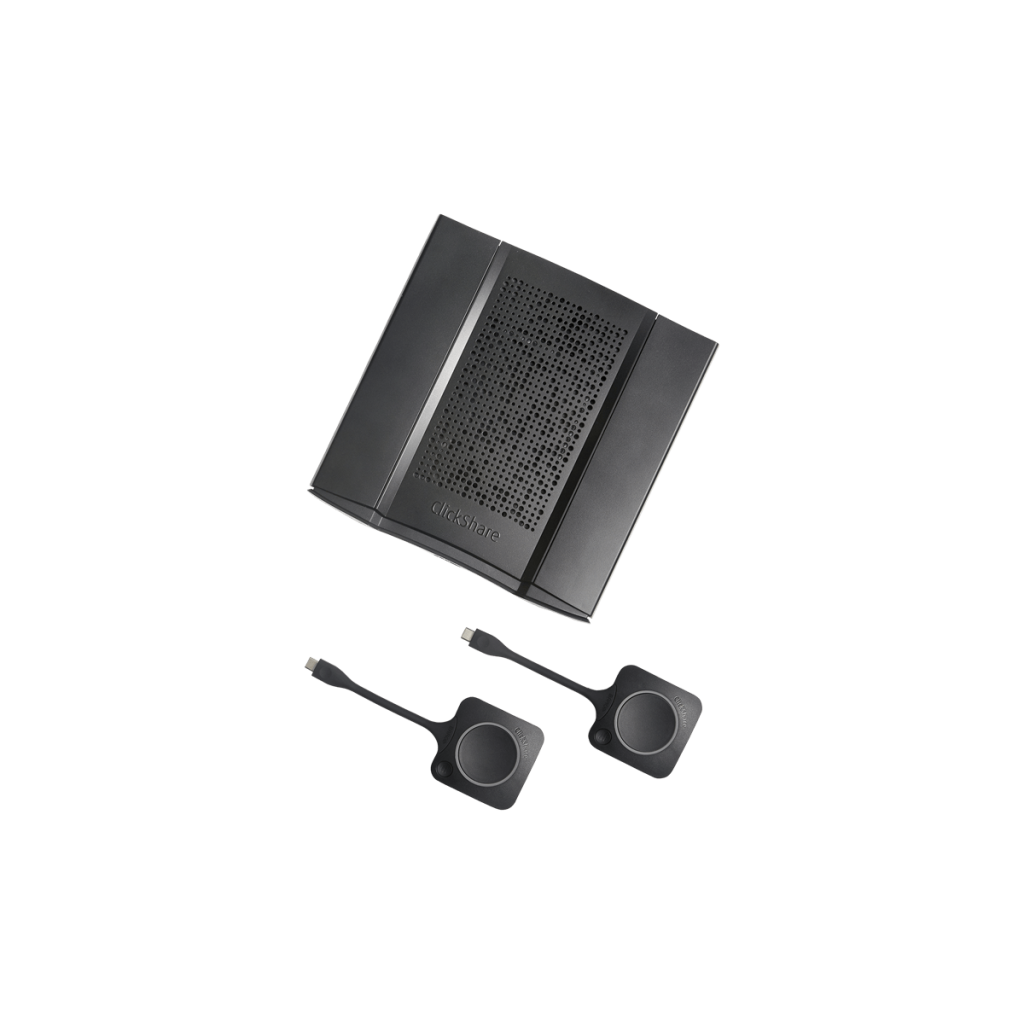
ClickShare Buttons
1
2
2
ClickShare App (Desktop & Mobile)
Use features like pause, window selection, moderation…
Enhanced presence detection for the ClickShare App
Walk-in and connect
Full BYOD
Supports Airplay, Google Cast, Miracast, native apps
One-click wireless presentation
Connect wirelessly to the meeting room display
One-click wireless conferencing
Connect wirelessly to the meeting room camera, speakers, and mic
Sources simultaneously on screen
Output resolution
2 USB, LAN
2 USB, LAN
4 USB, LAN, SPDIF, Jack
Touch screen support & interactivity
Touchback and control your PC, collaborate with annotation and blackboarding
I/O
4K UHD
4K UHD
4K UHD
Moderation
Take control of sources displayed on the screen
Local view of the room display
Get a copy of the meeting room the screen on your device
Digital signage & Calendar integration
Supports your soft codes & UC&C platform
Compatible with Skype, Skype for Business, Microsoft Teams, Google Hangouts, Cisco
Webex, Zoom, Cisco Spark, GoToMeeting, BlueJeans, Slack, Pexip and many more
Supports your room setup
Supports USB speakerphones, cameras and all-in-one solutions
Enterprise-grade security and integration
Central management & reporting
Available via XMS Cloud or XMS Edge
Free software updates
SmartCare
5 years of service coverage, insights and enhanced support