
Every room shares content differently. A boardroom, a training room and a huddle space each ask different things of screen sharing equipment. We install wireless presentation systems, all-in-one collaboration displays and interactive whiteboards. Each is designed around the way your people actually present. The result is a meeting that starts on time because sharing just works.
245+ rooms installed. Certified by Logitech, Yealink, Barco and Microsoft. Level 1 B-BBEE contributor.

Press a button or open an app, and your screen appears on the room display. No cables, no adapters, no settings menu. Guests share the same way your own people do, without loading software first.
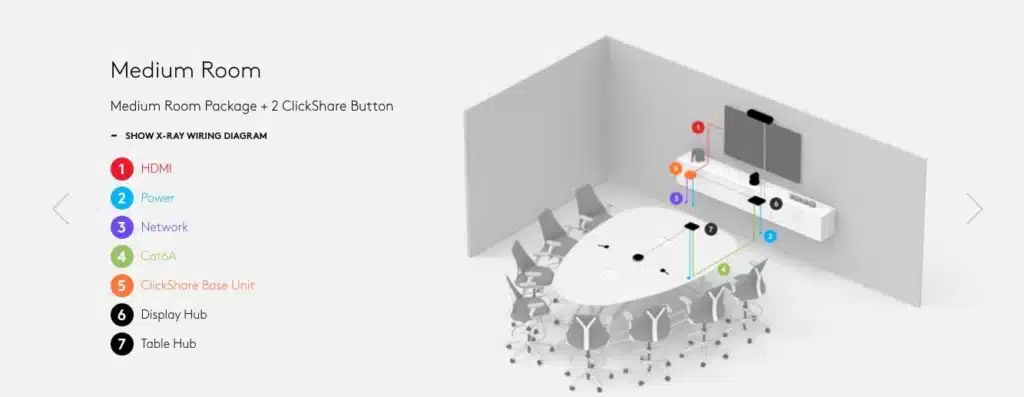
One screen that handles wireless screen sharing, video calls and whiteboarding in a single unit. It suits meeting rooms that need to do everything without a trolley of separate equipment.
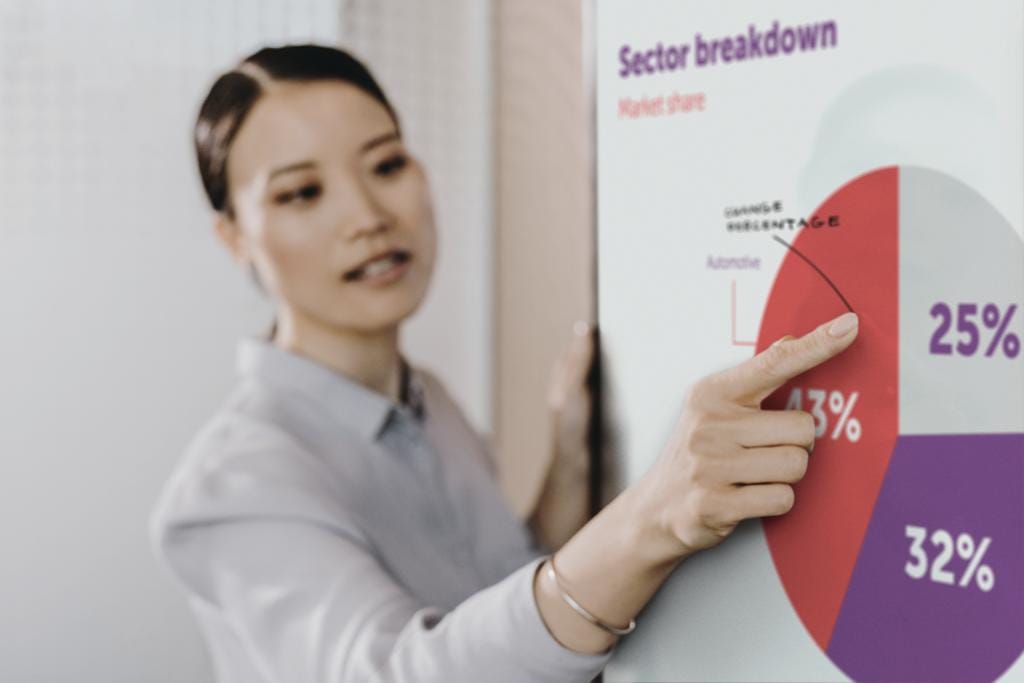
Share a document, then mark it up on the screen while everyone watches. Notes save and send when the meeting ends, so the thinking leaves the room with the team.
Three things hold every install together.
We install presentation systems built for daily office use, not consumer gadgets that fail under pressure.
Sharing is designed together with your displays, audio and video conferencing as one system. One room, one way of working, no orphan devices. Boardroom & Meeting Room AV · Microsoft Teams Rooms.
We test sharing from a laptop, a phone and a guest device before we hand the room over.
If sharing stops working, the people who designed the room take the call. Support agreements are available for businesses that want the room handled for good. AV Support.

We installed wireless presentation across Auto-X training rooms in six cities and Namibia. Every room shares the same way, so a trainer walks in and teaches.
Yes. The systems we install share from Windows, Mac and mobile devices. The site assessment confirms the right fit for the devices your people carry.
Yes, with the right setup. We configure guest sharing so visitors present without touching your corporate network. Your IT policy stays intact.
Not always. Where your existing displays are up to the job, we work with them. The assessment tells you either way before you commit to anything.
Yes. We are Barco certified and install ClickShare as part of complete room systems.
Standard delivery runs four to six weeks from sign-off.
An engineer spends 45 minutes in your room and tests how you share today. Then he recommends the right setup for it. We book a limited number of assessments each month.